
Most YouTube growth tools help with one slice of the job. Velio starts earlier, with search across more than 300 million YouTube videos to find ideas that already show signs of demand. Use the steps below to turn scattered tool use into a repeatable channel workflow.
1. Velio
Start with Velio when your main problem is finding the right video to make next. The goal is to replace random guesses with a short list of ideas backed by patterns in existing YouTube content.
Open Velio and search your topic. Look for repeated themes in titles, thumbnails, hooks, and channel performance. Then narrow the results to ideas that fit your audience, format, and level of expertise. A cooking channel might find that viewers respond to fast problem-solving videos, while an education channel may spot demand for clear comparison lessons.
Velio is built for YouTubers, video marketers, agencies, online educators, and brands that need a data-led way to plan content. Its AI-powered search works across a database of more than 300 million YouTube videos. That gives you a much wider pool of examples than checking a few channels by hand.
Don’t treat the result as a script. Treat it as a starting point. Study why a topic works, then add your own point of view, proof, or format. Copying a title or thumbnail won’t build trust with viewers.
Velio’s wider discovery layer is useful before production starts, when a weak idea can waste a full day of filming.
If you want a wider playbook for channel planning, our guide to tools to grow your YouTube channel fast covers the work that comes after idea research.
By now, you should have three to five video concepts with a clear audience problem and a reason to click. Pick one before moving to keyword research.
Velio is the best first step when the bottleneck is topic choice. If you already have strong ideas, move straight to packaging and testing.
Step 2: Find Proven Video Ideas, Keywords, and Competitor Trends
Good YouTube growth tools help you test demand before you spend time on production. Your job here is to turn a broad topic into a focused video brief.
Start with the phrase your viewer might type into YouTube. Search it inside your research tool, then note related terms, repeated wording, and the kind of videos that appear often. You don’t need to chase the biggest phrase. A smaller query can work better when it matches your skill and audience.
Next, inspect the top results by hand. Read the title aloud. Look at the first frame of the thumbnail. Watch the opening minute when the video is close to your planned format. Write down the promise each creator makes and the point where the video begins to deliver it.
YouTube describes its mission as giving people a voice and helping them share stories and build community. That matters when you assess an idea. A search term is useful, but a video still needs a clear reason for people to care.
Use Velio to compare those patterns across a much larger set of videos. Search a topic, filter the results, and mark ideas that repeat across different channels. Then group them by viewer need. For example:
- Someone wants a quick answer.
- Someone wants a product comparison.
- Someone wants a step-by-step lesson.
- Someone wants proof that a method works.
That grouping makes your brief sharper. It also stops you from stuffing five different promises into one video.
People encounter videos through search, recommendations, and subscriptions. Use that insight to plan for both intent-led viewers and people who discover your topic while browsing.
Keep a simple sheet with the topic, viewer need, working title, proof point, and planned format. The free YouTube video ideas workflow can help when your topic list runs dry.
Decision rule: keep an idea only when you can state the viewer’s problem in one sentence. If you can’t, the topic is still too wide.

Step 3: Improve Titles, Thumbnails, Hooks, and Video SEO
Most YouTube growth tools can help with packaging, but you still need to make the final call. Packaging means the title, thumbnail, and opening promise that earn the click.
Write five working titles before you choose one. Each title should make one promise. Remove vague words that don’t tell viewers what they will gain. A title about fixing a slow laptop is clearer than one about improving your tech setup.
Now sketch two thumbnail directions. Keep the visual idea simple enough to understand at a small size. Use one main subject and one clear contrast. If text is needed, keep it short. The title and thumbnail should work together, not repeat the same sentence.
Draft the hook next. In the first moments, state the problem and show what the viewer can expect. Don’t spend that opening on a long greeting or a tour of your gear. A strong hook gives the viewer a reason to stay for the next beat.
Use Velio to study titles, thumbnails, and hooks that appear around proven videos in your topic. Look for patterns, not formulas. If several strong videos lead with a test, your version might lead with the result you plan to measure. That keeps the idea familiar while giving it a fresh angle.
SEO still has a place. Put the main phrase where it reads naturally in the title and description. Use related terms when they help explain the video. Don’t add a keyword pile that makes the description sound strange.
Keep the wider question in view: does this video deserve the click?
Use this YouTube title ideas guide when your draft sounds accurate but flat. It focuses on making the promise sharait.
Before publishing, ask a person who knows nothing about the project to explain the video from the title and thumbnail alone. If their answer misses your intended promise, revise the package.
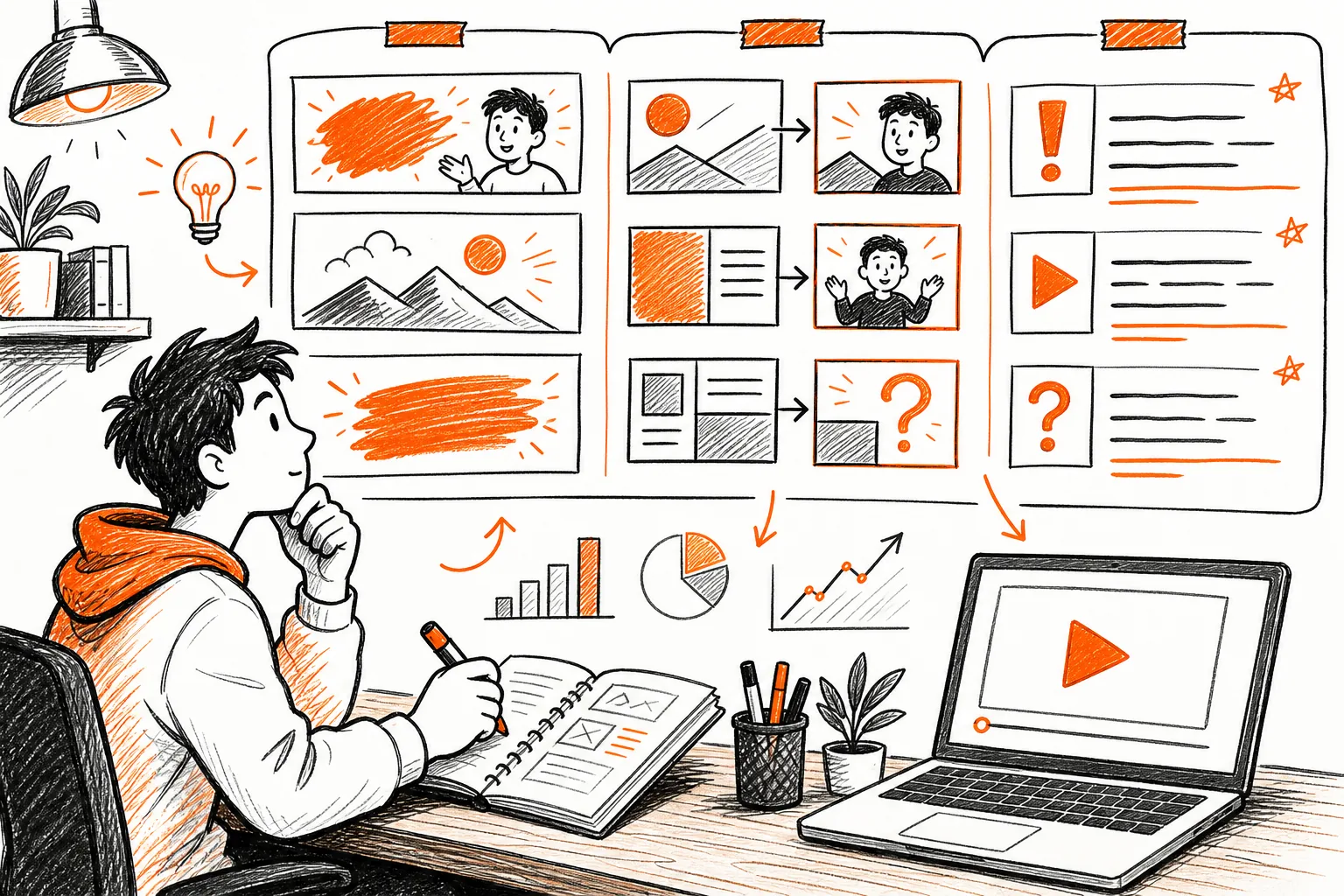
Step 4: Benchmark Competitors and Diagnose Channel Performance
Use YouTube growth tools to spot gaps between your channel and the channels your viewers already watch. The aim isn’t to copy a rival. It’s to find a useful opening.
Choose three to five channels that serve a similar audience. Record their recent topics, upload pattern, title style, thumbnail layout, and visible engagement signals. Keep the notes focused. You don’t need to track every upload ever made.
Then compare those patterns with your own channel. Look for a mismatch. Maybe your topics are strong but your thumbnails look hard to read. Maybe viewers click but leave early because the hook takes too long. Maybe your best videos all answer urgent questions, while your recent uploads focus on broad themes.
Velio can help at the discovery end of this process by showing which topics, titles, thumbnails, and hooks appear across a broad video set. The competitor channel tracking guide explains how to turn those observations into a watch list and a review habit.
Review your channel once each week. Pick one strong result and one weak result. Ask what changed between them. Change one part of the next upload, then check whether the same issue appears again.
Don’t judge a channel from one video. A single upload can reflect timing, audience fit, or a topic that sits outside the channel’s normal range. Look for patterns across several videos before you change your whole plan.
Weekly check: name the next test before you close your dashboard. “Improve the channel” is too vague. “Use a shorter hook in the next tutorial” gives the team something to do.
Step 5: Schedule Publishing and Build a Repeatable Growth Workflow
Scheduling tools help you keep promises to your audience, but a calendar won’t fix weak ideas. Build the workflow around the decisions that affect each upload.
Set one review point for every stage. At the idea stage, approve the viewer problem. During packaging, approve the title and thumbnail promise. Before filming, approve the outline and hook. After publishing, review the early signals and write down the next test.
Use a shared board if more than one person touches the channel. Give each video one owner. Add the due date, status, working title, thumbnail draft, and final link. This keeps a handoff from turning into a long chat thread that nobody can follow.
| Workflow moment | What to check | Who decides | Output |
|---|---|---|---|
| Idea review | Viewer problem and evidence of demand | Channel lead | Approved brief |
| Package review | Title promise and thumbnail clarity | Editor or channel lead | Final package direction |
| Production handoff | Hook, outline, and proof points | Writer or creator | Recording plan |
| Publish review | Description, upload details, and schedule | Publisher | Live video |
| Weekly review | What worked and what needs a test | Channel lead | Next experiment |
Buffer is listed for Shorts scheduling, multi-channel publishing, and performance reports. These tools can help with the calendar when your team already has a clear content plan.
Don’t schedule too far ahead if your channel depends on current events. Leave room to change the topic when the audience raises a better question or a major event shifts the conversation.
A small creative side tool can also help with visual prompts when you need a fresh angle for Shorts or community posts. A visual-content inspiration tool can support that narrow role. Use any such tool to support your idea, not to replace your channel’s voice.
Start with one upload cycle. Fix the points that cause delays. Then add more automation only when the manual process is clear.
FAQ
What are the best YouTube growth tools?
The best YouTube growth tools depend on the task you need to fix first. Velio is the strongest starting point for finding proven ideas, titles, thumbnails, hooks, and competitor trends through a large video database.
Do YouTube growth tools guarantee more views?
No, YouTube growth tools can’t guarantee more views. They can reduce guesswork around topics, packaging, publishing, and review. Results still depend on the fit between your idea and audience, the quality of the video, and what viewers do after they click.
Is AI useful for growing a YouTube channel?
AI is useful when it helps you find patterns instead of filling your channel with generic ideas. In the tool sample reviewed for this article, only 9 of 29 tools gave clear AI details. Velio uses AI-powered search across more than 300 million videos, which makes it useful before you commit to a topic.
Should I use more than one YouTube tool?
You can use more than one YouTube growth tool, but start with the task causing the biggest delay. Add a scheduler when publishing slips. Add a design tool when packaging is weak. Add a tracking tool when you can’t spot patterns. Too many dashboards can spread your attention thin.
Conclusion
Start with Velio if you need better ideas before you film. Search your topic, shortlist three concepts, and build one brief around the clearest viewer problem. After that, use your analytics to test the package and improve the next upload instead of chasing every new tool.