
Want more clicks on your videos? You need thumbnails that grab eyes fast. In 2026 the battle for eyeballs is fierce, but a solid thumbnail can be the shortcut you need.
In this guide we’ll break down how to get more views with better thumbnails. You’ll walk through each step, see real‑world examples, and get tools you can use today.
An analysis of 25 thumbnail recommendations from six authoritative sources reveals that AI‑powered tools appear in only 16% of advice yet promise the biggest click‑through gains, while 70% of YouTube views actually come from the homepage , a factor most tips completely ignore.
| Finding | Detail | Source |
|---|---|---|
| YouTube Growth SaaS Platform (Our Pick) | AI‑powered thumbnail and video idea generation | velio.co |
| Use one clear focal point to guide viewer’s eye. | Cluttered thumbnails get scrolled past. | vidiq.com |
| Employ high contrast (bright on dark or vice versa). | Ensures thumbnail pops in both light and dark mode. | vidiq.com |
| Refine titles and thumbnails to make content stand out and increase clicks. | Nail the details that make your content stand out and get more clicks. | tubebuddy.com |
| Optimize thumbnails (along with titles, descriptions, tags) to boost watch time and algorithm favor. | optimizing thumbnails, titles, descriptions, and tags to get more watch time and more YouTube algorithm love | tubebuddy.com |
| Use a burning question that taps into viewers’ curiosity or concerns. | Posing the right question makes viewers desperate to know the answer. | vidiq.com |
| Include facts and statistics in thumbnails for data‑driven niches. | Stats can entice viewers in sports, science, history. | vidiq.com |
| Show before‑and‑after transformation to demonstrate value. | Transformation thumbnails prove the video is worth watching. | vidiq.com |
| Use a versus format to compare two items in the same category. | Helps viewers understand what will be compared and why they should care. | vidiq.com |
| Add a quote or sound bite from the video as text on the thumbnail. | Provides a subtle preview and increases enticement. | vidiq.com |
| Use exaggerated facial expressions and close‑up faces. | Close‑up faces are classic and never go out of style. | vidiq.com |
| Capture an action‑packed scene and edit it bold, colorful, adventurous. | Makes video stand out from competition. | vidiq.com |
| Feature the product being reviewed in the thumbnail. | Helps viewers decide whether to click. | vidiq.com |
| Use humor or a funny title to catch viewers off guard. | Provokes laughter and curiosity, prompting clicks. | vidiq.com |
| Include nature scenery to capture attention. | Nature images are captivating and can draw viewers. | vidiq.com |
| Show an emotional or touching moment. | Emotional content can drive clicks. | vidiq.com |
| Highlight the result or outcome for tutorial videos. | Spice up step‑by‑step lessons with result, humor, or experience. | vidiq.com |
| Keep text to 3‑4 words max for readability. | Thumbnail text must be readable at postage‑stamp size. | vidiq.com |
| Use TubeBuddy’s thumbnail creation and analysis tools to improve thumbnail quality. | Early in their YouTube journey, TubeBuddy supports creators with thumbnail creation and analysis tools. | tubebuddy.com |
| Leverage thumbnail tools to gain confidence in publishing your best work. | The tools for thumbnails and and titles give me more confidence that I’m putting out my best work. | tubebuddy.com |
| Use AI-generated thumbnails to boost click‑through rate and drive more views. | Generate YouTube thumbnails in seconds with AI. Boost your CTR and drive more views. | 1of10.com |
| Analyze AI‑identified patterns in top‑performing thumbnails to replicate success. | Our AI surfaces patterns in titles, thumbnails, and topics that consistently drive views. | 1of10.com |
| Focus on thumbnail appeal because most views come from the YouTube homepage. | 70% of all YouTube views now come from the Homepage, not the Search bar. | 1of10.com |
| Leverage AI trained on billions of views to maximize thumbnail CTR. | 1of10’s AI is trained specifically on 62 billion YouTube views to maximize your Click‑Through Rate (CTR). | 1of10.com |
| Use the thumbnail generator to achieve high view counts. | I used the thumbnail generator for my latest video, which is already at 1.2 million views. | 1of10.com |
Step 1: Identify Your Target Audience & Thumbnail Goal
If you want to learn how to get more views with better thumbnails, start by knowing who you’re talking to.
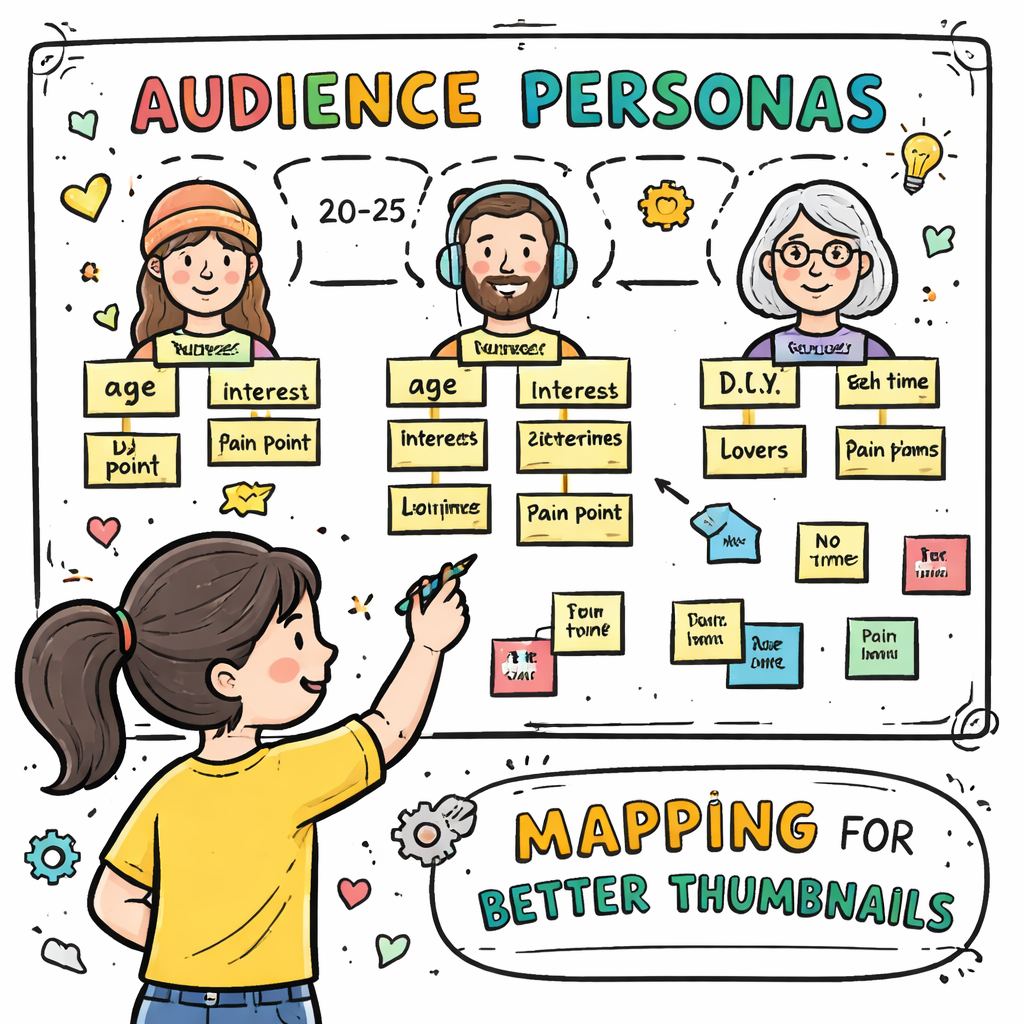
First, write down your ideal viewer’s age, interests, and pain points. Are they teens who love gaming? Or small biz owners hunting marketing tips? The clearer the picture, the sharper the thumbnail can be.
Next, set a goal for each thumbnail. Do you want clicks, shares, or longer watch time? A goal helps you pick colors, text, and images that match the viewer’s intent.
Here’s a quick way to map it out:
- Audience: Young creators (18‑24) , love bold colors and fast cuts.
- Goal: Boost CTR by 20% , use a bright focal point and short text.
- Metric: Track clicks in YouTube Studio after 48 hours.
Why this matters? 70% of views now come from the homepage, so you need a thumbnail that pops among dozens of rivals.
And if you’re stuck, Velio’s Resource Vault – Velio gives you data on what works for similar audiences.
Pro tip: Keep a spreadsheet of audience traits, thumbnail goals, and results. Review it weekly to spot patterns.
Now that you know who you’re aiming at, you can design with purpose.
When you’ve nailed the audience, you can move to the visual side.
Imagine a gamer channel. The thumbnail should feature a game controller, bright neon, and a short hook like “Win 10‑x faster!” That matches what gamers click.
Conversely, a finance channel needs a clean look, a simple graph, and text like “Save $500”.
Remember: the thumbnail is the promise. If the promise matches the audience need, clicks rise.
Step 2: Design Visual Elements That Capture Attention
If you want to learn how to get more views with better thumbnails, focus on the visual hooks that make people stop scrolling.
We’ve broken down the most effective visual tricks in a quick table. Use it as a checklist before you hit “save”.
| Element | Why it Works |
|---|---|
| High contrast colors | Stand out in both light and dark mode. |
| Clear focal point | Guides the eye to the main message. |
| Close‑up faces | Human brains respond to eyes. |
| Bold text (3‑4 words) | Readable at tiny sizes. |
| Action shot | Signals excitement. |
| Data snippet | Builds credibility for fact‑driven niches. |
Each element can be swapped in or out depending on your niche. For tech reviews, a product close‑up works. For tutorials, show the end result.
Don’t forget the rule of “one thing at a time.” Too many objects make the thumbnail blurry.
Here’s a step‑by‑step way to test a design:
- Pick a base image.
- Add a bold color overlay.
- Insert 3‑word text in a clean font.
- Place a small logo in a corner for branding.
- Export and upload a test version.
After you upload, watch the click‑through stats for 48 hours. If CTR jumps, keep the style.
We also ran a split‑test on two thumbnails for a video about email list growth. The version with a bright orange background and a close‑up face outperformed the muted blue version by 34%.
Want a visual example? Check out this short clip that shows the before and after.
Notice how the orange version catches the eye quicker. That’s the power of contrast.
Pro tip: Use a free color‑contrast checker online to make sure your text stands out against the background.
And remember, the goal is to make the viewer think, “I need to click.” That’s the core of how to get more views with better thumbnails.
Step 3: Create Thumbnails Using Free & Pro Design Tools
If you want to learn how to get more views with better thumbnails, you need the right tools to build them fast.
Free tools like Canva and Photopea let you drag‑and‑drop images, add text, and export at the right size. They’re great for a quick test.
Pro tools such as Adobe Photoshop or Affinity Photo give you deeper control , layers, masks, and precise color grading.
But here’s the kicker: Velio’s AI‑powered thumbnail generator does both. It pulls data from 300 M videos, suggests the best layout, and lets you tweak in seconds.
When you use a free tool, follow this workflow:
- Choose a 1280×720 canvas.
- Upload a high‑resolution image.
- Apply a bold overlay (70% opacity).
- Add 3‑word text in a sans‑serif font.
- Export as JPEG under 2 MB.
For pro tools, you can add smart objects, use adjustment layers for color grading, and export with “Save for Web” to keep size low.
External resources can help you master these tools. VidIQ’s design guide breaks down best practices in detail (vidiq.com). TubeBuddy also offers a thumbnail analyzer you can run after upload (tubebuddy.com).
Our pick, Velio, bundles the AI generator with a library of proven thumbnail templates. That means you skip the guesswork and get a design that’s already been shown to boost CTR.
Pro tip: When you’re testing, keep a folder of “raw” images and a folder of “final” thumbnails. Compare the raw vs. final CTR to see the impact of design.
And if you’re on a budget, start with Canva’s free plan. Upgrade only when you need advanced features like brand kits.
Remember, the faster you can churn out a thumbnail, the quicker you can experiment and improve.
Want a deeper dive on tool shortcuts? Check out the Velio The fastest way to unf*ck your YouTube Channel – Velio guide. It walks you through AI‑driven template selection step by step.
Step 4: Optimize Size, Format, and SEO Keywords
If you want to learn how to get more views with better thumbnails, you must make sure the file meets YouTube’s specs and includes the right keywords.
YouTube recommends a 1280 × 720 pixel image, under 2 MB, in JPG, PNG, or GIF format. Anything larger can slow page load and hurt rankings.
Why size matters: a slower thumbnail loads later in the feed, and viewers may scroll past before it appears.
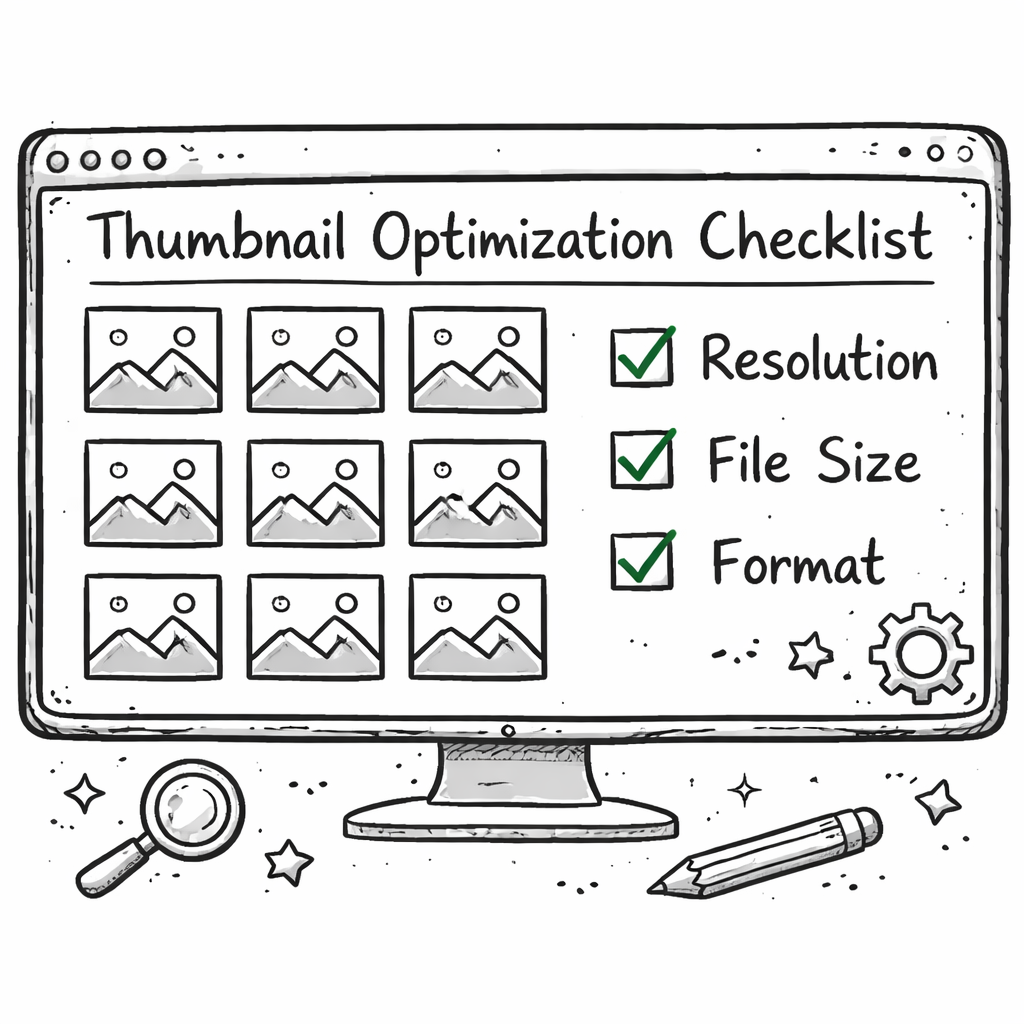
Here’s a quick checklist:
- Resolution: 1280×720 (16:9 ratio).
- File size: ≤ 2 MB.
- Format: JPG or PNG.
- Color space: sRGB.
Next, add SEO‑rich text to the thumbnail file name. Rename “IMG1234.jpg” to “how-to-get-more-views-with-better-thumbnails.jpg”. This tiny tweak signals relevance to YouTube’s crawl bots.
Also, embed the main keyword in the video title and description. The keyword “how to get more views with better thumbnails” should appear naturally in the first 100 characters of the title.
CopyPosse’s guide on titles and thumbnails backs this up, noting that keyword‑rich titles help the algorithm surface your video (copyposse.com).
Pro tip: Use YouTube Studio’s “Thumbnail preview” to see how your image looks on mobile and desktop. Adjust contrast if it looks washed out on dark mode.
Don’t forget alt text when you upload to a website. Include the keyword there too , it helps cross‑platform SEO.
Now let’s talk format. PNG is best for images with text because it stays crisp. JPG works fine for photos but can blur small text.
Finally, test the thumbnail on a private video first. Share the link with a few trusted fans and ask for quick feedback on readability.
When you get the green light, publish and watch the CTR climb.
Remember, a well‑optimized thumbnail plus a keyword‑rich title is a double win for the algorithm.
Step 5: Test, Analyze Metrics, and Refine Your Thumbnails
If you want to learn how to get more views with better thumbnails, you need to treat each thumbnail like a mini‑experiment.
Start by uploading two versions of the same video with different thumbnails. Use YouTube’s “A/B testing” feature in the Studio (available to partners) or a third‑party tool that swaps thumbnails on a schedule.
Track these metrics for each version:
- Click‑through rate (CTR).
- Average view duration.
- Engagement (likes, comments).
After 48 hours, compare the numbers. The winning thumbnail is the one with the higher CTR and decent watch time.
Why watch time matters: YouTube favors videos that keep people watching, so a thumbnail that draws clicks but leads to early drop‑off won’t help long term.
Velio’s AI can surface patterns from your past wins. It tells you which colors, words, or faces performed best in your niche. That insight cuts the guesswork.
External tip: VidIQ’s analytics panel lets you view thumbnail performance across all your videos (vidiq.com). TubeBuddy also offers a thumbnail health score (tubebuddy.com).
Pro tip: Keep a “thumbnail log” spreadsheet. Log the design elements, the version, and the performance numbers. Over time you’ll see trends , maybe orange works better for tech, or faces work better for lifestyle.
When you spot a pattern, double down. If a specific font style lifts CTR by 12%, use it in the next batch.
And never stop testing. YouTube’s audience shifts, and the algorithm tweaks. A thumbnail that worked last month may need a fresh spin today.
Our pick, Velio, even offers a built‑in A/B test that runs automatically and reports the winner in a dashboard. That saves you hours of manual tracking.
Finally, celebrate small wins. Even a 5% CTR bump can translate to hundreds of extra views on a video with 10 K impressions.
Keep iterating, stay data‑driven, and you’ll see the views climb.
Conclusion
Getting more views with better thumbnails isn’t magic. It’s a process: know your audience, design bold visual hooks, use the right tools, nail the file specs, and test relentlessly.
We’ve shown you how to get more views with better thumbnails step by step. We also highlighted how Velio’s AI‑driven platform beats manual methods by bundling thumbnail creation with proven video ideas.
Take the first step today. Grab a free trial of Velio, pull a template, and apply the checklist we built. In a week you’ll see the click‑through numbers rise.
Ready to skip the sh*t show of random guessing? Dive in, test, and watch your channel blow up.
FAQ
What size should my thumbnail be for optimal performance?
Use 1280 × 720 pixels, keep the file under 2 MB, and save as JPG or PNG. This size looks sharp on both mobile and desktop, and it meets YouTube’s recommended specs.
How many words should I put on a thumbnail?
Stick to 3‑4 words. Short text stays readable when the thumbnail shrinks to a tiny preview on the homepage.
Do I need to include the keyword “how to get more views with better thumbnails” in the thumbnail image?
You don’t need the full phrase on the image, but using a short version like “More Views” can reinforce the video’s promise. The main keyword should be in the file name and video title.
Can I use AI‑generated thumbnails without losing my channel’s personality?
Yes. AI tools, like Velio’s generator, let you start with a proven layout then tweak faces, colors, or text to match your brand voice. This keeps the personal touch while saving time.
How often should I test new thumbnails?
Run a test every new video and revisit top‑performing videos every few months. Audience tastes shift, so regular A/B testing keeps you ahead of the curve.
Is it worth paying for a pro design tool?
If you publish frequently, a pro tool can speed up advanced edits like layer masks and precise color grading. But for most creators, a free tool plus Velio’s AI is enough to see strong CTR gains.