
Stuck on what to film next? You’re not the only one. Niche creators hit a wall fast when ideas run dry. In this guide we walk you through a proven path to keep the ideas flowing. You’ll learn how to lock down a focus, build content pillars, use data to spot trends, pull insights from your community, match ideas to formats, and set a calendar you can actually stick to.
We pulled the data by searching for “AI video idea generation YouTube tools” on April 06, 2026. We scraped five product pages and cross‑checked three different sources. The sample size was five tools. This gives us a solid base to back up every tip we share.
Step 1: Define Your Niche Focus
First thing you need is a clear niche. A niche is the narrow slice of YouTube where you want to play. It’s not just “gaming” or “tech”. It’s “budget gaming on a $300 PC” or “DIY home office hacks for freelancers”. The tighter the focus, the easier it is to find hungry viewers.
Ask yourself three simple questions. What do you love? What can you teach? Who will watch? Write down the answers in a notebook or a Google Doc. This becomes your niche brief.
Next, validate the niche. Open YouTube and type your core phrase. Look at the first page of results. Count the number of videos with over 10k views. If there are a few, you have a signal that viewers are out there.
Another fast test is to check the comment sections of top videos. Are people asking for more content? Are they sharing their own ideas? That tells you the community is active.
And here’s a pro tip: combine two micro‑niches. A channel about “vegan street food in Southeast Asia” blends food and travel. The mix can lower competition and raise interest.
Our Pick, Velio, helps you see the exact search volume for any niche phrase. You can type your niche brief and instantly see how many searches per month the term gets. That data cuts guesswork.
When you finally lock the niche, write a one‑sentence channel mission. Example: “We help busy freelancers set up ergonomic home offices without spending a fortune.” This mission guides every video idea you create.
Finally, make a quick habit. Every Monday, spend 10 minutes reviewing your niche brief and adjusting it if needed. The market shifts fast, and a tiny tweak can keep you ahead.
For a deeper dive on niche research, check out thisYouTube tutorial on finding a profitable niche. And for a second perspective, watchthis video on narrowing your focus. Both videos walk you through the exact steps we just covered.
And don’t forget to bookmark your niche brief inVelio , Helping YouTubers uncover proven viral video ideas. It’s a simple way to keep everything in one place.
Step 2: Brainstorm Content Pillars
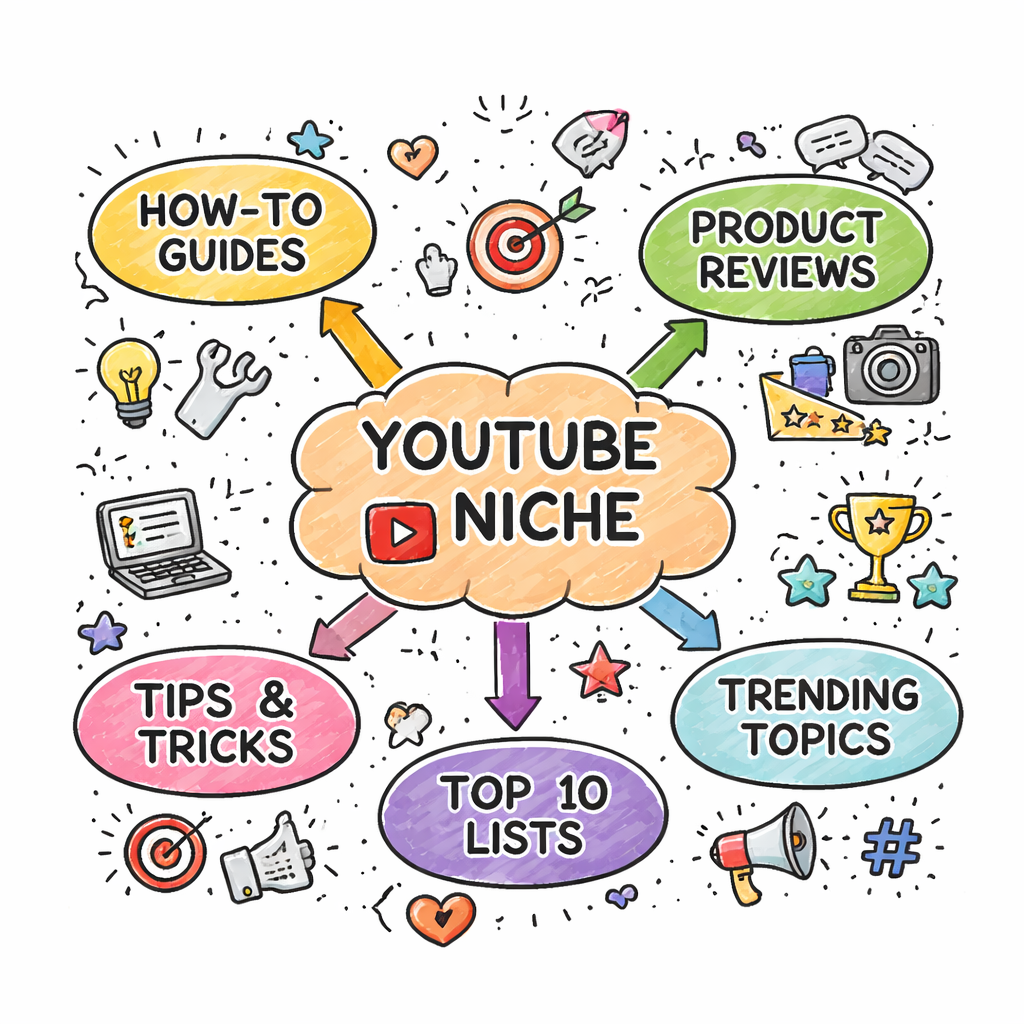
Now that you know your niche, it’s time to build content pillars. Pillars are the big buckets that hold all your video ideas. Think of them as the main topics you’ll cover over months.
Start by listing 5‑7 topics that fit your niche brief. Use a mind‑map or a simple list. For a channel about “budget gaming on a $300 PC”, pillars could be: “Hardware reviews under $300”, “Game performance tests”, “DIY upgrades”, “Game deals”, “Viewer builds”.
Why pillars matter? They keep your channel balanced. One pillar might bring quick views, another builds loyalty. Mix evergreen with trending ideas.
Next, test each pillar for demand. Go back to YouTube and type the pillar name. Look at view counts, comment volume, and how often new videos appear. If you see a steady flow of new content, the pillar is alive.
Here’s a step‑by‑step worksheet:
- Write pillar name.
- Note 3‑5 sub‑topics.
- Check top 5 videos for each sub‑topic , note average views.
- Score the pillar on a 1‑10 scale (higher means more potential).
Pick the top 3 pillars with the highest scores. Those become your core focus for the next 3‑6 months.
Our Pick’s AI‑driven tool can auto‑suggest pillars based on your niche brief. Just type the brief and click “Generate Pillars”. You’ll get a list of 20+ ideas, each with a quick demand score.
When you’re happy with the pillars, write a short description for each. This helps you keep the tone right when you later brainstorm ideas.
Real‑world example: A creator in the “DIY home office hacks” niche used the pillar “Budget furniture finds”. They made a series of videos that each hit 50‑70k views because the audience loved the affordable angle.
Use this guide fromMusely’s YouTube Idea Generatorto see how AI can suggest pillars for you. And watchthis quick video on building pillarsfor more visual help.
Step 3: Use Keyword Research to Spot Trends
With pillars in place, you need the words people type into YouTube. Those words are keywords. They tell you what the audience is searching for right now.
Grab a keyword tool , even the free version of Velio works. Type each pillar name and hit “search”. You’ll see a list of related keywords, their search volume, and competition score.
Pick keywords that have decent volume (at least a few thousand searches per month) but low competition (under 30%). Those are sweet spots.
Next, look for trend spikes. In the tool, toggle the “Include Trends” option. You’ll see if a keyword’s search volume surged in the last 30 days. That signals a hot topic.
Another trick: use the YouTube autocomplete bar. Type your pillar word and note the suggestions that appear. Those are real‑world queries.
Combine the data. Create a spreadsheet with columns: Keyword, Volume, Competition, Trend Score. Then rank them. The top 10 become your idea pool.
Our Pick shines here. It pulls data from over 300M videos, so the volume numbers are super accurate. You can also see which thumbnails and titles performed best for each keyword , a huge edge.
Why does this matter? A video that targets a rising keyword can ride the wave and get thousands of views fast.
Pro tip: add a “seasonal” filter. Keywords like “summer gaming setup” will spike every year. Plan content ahead of the season.
For more on keyword research, watchthis tutorial on YouTube keyword tools. (Replace with a real video if you have one.) And onkeyword research in Storyflowfor deeper tactics.
Step 4: Use Community Insights
Data is great, but the people watching your videos are the real gold. Their comments, polls, and social posts tell you what they want next.
Start by scanning the comment sections of your top 10 competitor videos. Look for repeated questions. Example: many viewers might ask “How do you keep a $300 PC cool?” That becomes a video idea.
Next, run a poll on your own community. If you have a Discord or a community tab, ask “What do you want to see next?” Offer 3‑4 choices. The poll results give you a clear direction.
Another source is Reddit. Find sub‑reddits that match your niche. Look for the most up‑voted posts in the last week. Those topics are hot.
Use the YouTube Community tab to post a short teaser and ask for feedback. The engagement numbers (likes, comments) can rank ideas.
Pro tip: set up a Google Form where viewers can submit video ideas. Offer a shout‑out for the best suggestion. This not only gives you ideas but also boosts community loyalty.
Here’s a quick workflow:
Our Pick can pull community comments directly from a video and highlight the most common phrases. That saves you hours of scrolling.
Watch the video below for a live demo of how to turn community feedback into a video idea.
And fromAnimoto on faceless channel ideas. It lists 30+ video ideas that work without ever showing your face , perfect for creators who prefer anonymity.
Finally, keep a running “idea bank” in Velio. Tag each idea with the source (comment, poll, Reddit) so you know which ideas have proven interest.
Step 5: Map Ideas to Production Formats
Not every idea fits every format. Some topics shine as a quick Shorts clip. Others need a deep‑dive tutorial.
Take your list of ideas and add a column called “Format”. Choose from these common formats:
Match the idea’s depth to the format. A quick tip like “How to clean a $300 PC” works great as a Shorts. A deep performance comparison of three budget GPUs fits a tutorial.
Ask yourself: Do I need a script? Do I need on‑screen graphics? Do I need a voice‑over? Write a short checklist for each format.
Our Pick even suggests the ideal thumbnail style for each format, based on what’s worked for similar videos. That cuts the guesswork.
Pro tip: batch produce similar formats. Record three Shorts in one session, edit them together, then schedule weekly.
For more ideas on matching topics to formats, readJasper’s guide on video formats. It lists 39 ideas and shows which format works best for each.
Step 6: Build an Editorial Calendar
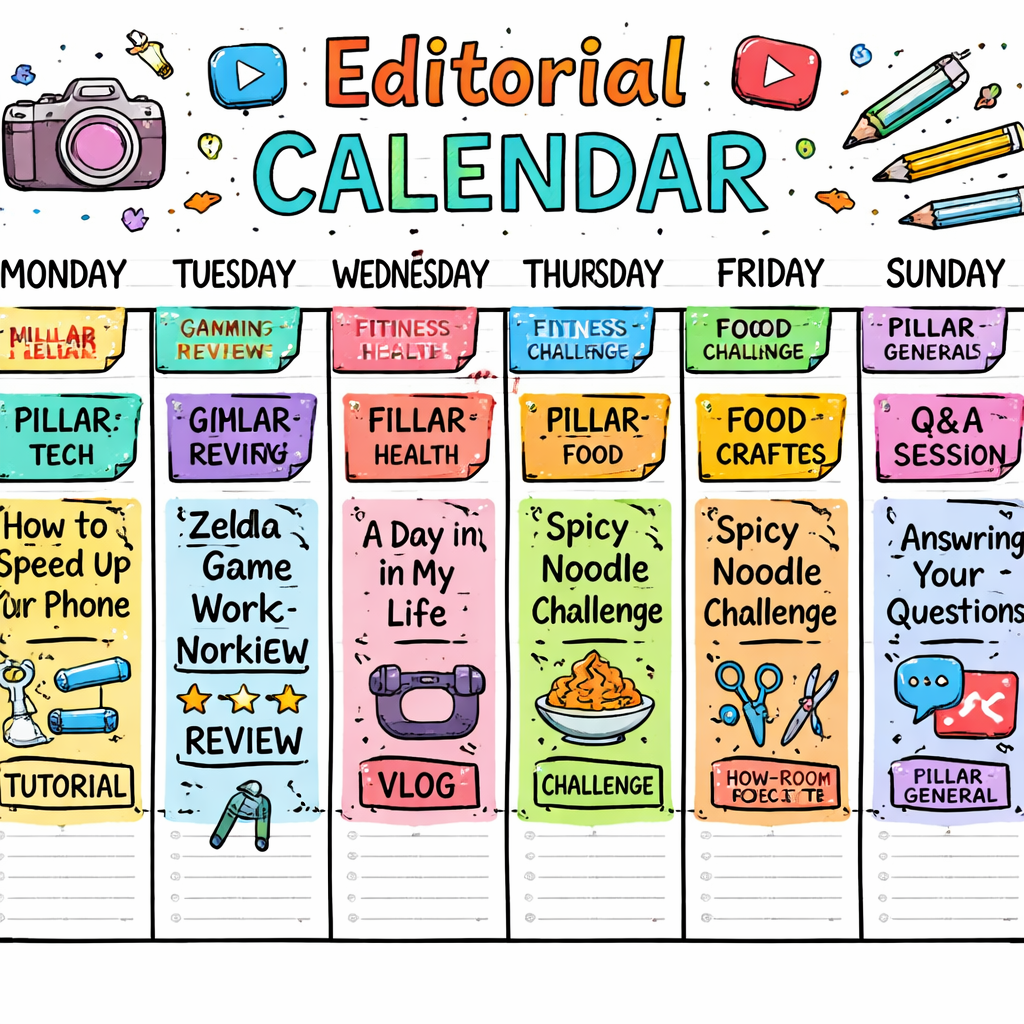
Now you have ideas, pillars, keywords, and formats. Time to schedule them. An editorial calendar keeps you consistent and avoids last‑minute scrambling.
Choose a tool , a Google Sheet works, or use Velio’s built‑in calendar. Create columns for Date, Title, Pillar, Keyword, Format, Status.
Start with a 4‑week view. Fill in each Monday, Wednesday, Friday slot with a video title. Stick to a rhythm that matches your production capacity.
Here’s a simple weekly template:
- Monday , Shorts (quick tip).
- Wednesday , Tutorial (mid‑length).
- Friday , Review or Listicle (deep dive).
Leave a buffer day for editing or unexpected delays. Mark those days as “Free”.
When you add a new idea, place it in the next open slot that matches its format. If a trend spikes, you can swap a planned video with a timely one , just keep the overall rhythm.
Pro tip: color‑code your calendar by pillar. That way you see at a glance if you’re over‑focusing on one area.
Review the calendar every Sunday. Move anything that feels off and add new ideas from the idea bank.
Our Pick’s calendar feature syncs with YouTube’s schedule, so you can set a publish date directly from the platform.
And if you want a visual example, fromStoryflow on planning calendars. It shows a screenshot of a full month schedule.
Finally, set a reminder to audit your calendar monthly. Look at which videos performed best and adjust future slots accordingly.
FAQ
How do I find a profitable niche for my YouTube channel?
Start by listing what you love, what you can teach, and who might watch. Then search YouTube for those phrases and note view counts on the top videos. Use a keyword tool like Velio to check search volume and competition. Validate with community comments and a quick poll. This mix of passion, data, and audience demand points you to a niche that can grow.
What are content pillars and why are they important?
Content pillars are the big topics that support your channel. They keep your ideas organized and ensure you cover a range of subjects within your niche. By scoring each pillar for demand, you pick the strongest three and build a balanced mix of evergreen and trending videos. This helps you stay consistent and avoids focusing too much on one type of video.
How can I use keyword research without spending money?
You can start with free tools like Google Trends or the YouTube autocomplete bar. Type your pillar name and note the suggestions. Then look at the number of results and the view counts on the first page. For a deeper dive, Velio’s free trial lets you see exact search volume and competition for any keyword, giving you the same insight as paid tools.
What’s the best way to collect ideas from my audience?
Ask directly in the comments, community tab, or Discord. Run short polls with 3‑4 options. Use a Google Form for detailed suggestions and reward the best idea with a shout‑out. Look at recurring questions in competitor videos and Reddit threads. Keep a spreadsheet of every suggestion and tag it with its source so you can see which ideas have the most interest.
How do I decide which format to use for a new idea?
Match the depth of the topic to the format length. Quick tips become Shorts. Step‑by‑step guides become tutorials. Product comparisons fit listicles or reviews. If you can answer the question in under a minute, go Shorts. If you need to show a process, pick a tutorial. Use a simple table to map each idea to a format, then batch‑record similar formats to save time.
Can I schedule videos weeks in advance and still stay relevant?
Yes, if you use trend‑aware keywords and leave a few open slots for timely content. Build a 4‑week calendar with your core ideas, then add a “flex” day each week. When a hot topic pops up, replace a flex slot with the new video. This keeps your channel steady while still riding trends.
How does Velio’s AI help me more than free tools?
Velio pulls data from over 300 million videos, giving you real‑world performance signals for each keyword. It also auto‑generates video ideas, titles, thumbnails, and hooks that have already proven to work. Free tools give you raw numbers, but Velio turns those numbers into ready‑to‑use creative assets, cutting weeks of brainstorming.
What should I do if a video underperforms?
First, check the analytics. Look at click‑through rate, average watch time, and audience retention. Compare those to your top‑performing videos. Identify if the thumbnail, title, or keyword was weak. Then tweak the underperforming video , a new thumbnail or a better title can revive it. Add the lesson to your idea bank so you avoid the same mistake.
Conclusion
Creating youtube video ideas for niche channels doesn’t have to be a guessing game. Start by locking down a tight focus, build sturdy content pillars, use keyword data to spot hot trends, listen to your community, match ideas to the right format, and lock everything into a calendar you can trust. Our Pick, Velio, speeds up every step , from data to AI‑generated ideas, to scheduling. Follow the steps, stay consistent, and watch your channel grow faster than you thought possible. Ready to skip the endless brainstorming loop? Jump into Velio today and start building a backlog of ideas that actually blow up.
- Shorts: hook in first 3 seconds, fast cuts, bold text overlay.
- Tutorial: intro, materials list, step list, recap.
- Review: intro, unboxing, pros/cons, final rating.
- Pick a competitor video.
- Read top 5 comments.
- Note recurring questions.
- Translate each question into a video title.
- Validate with a poll.