
How to Generate YouTube Video Ideas Using Free Tools in 2026: A Complete Guide
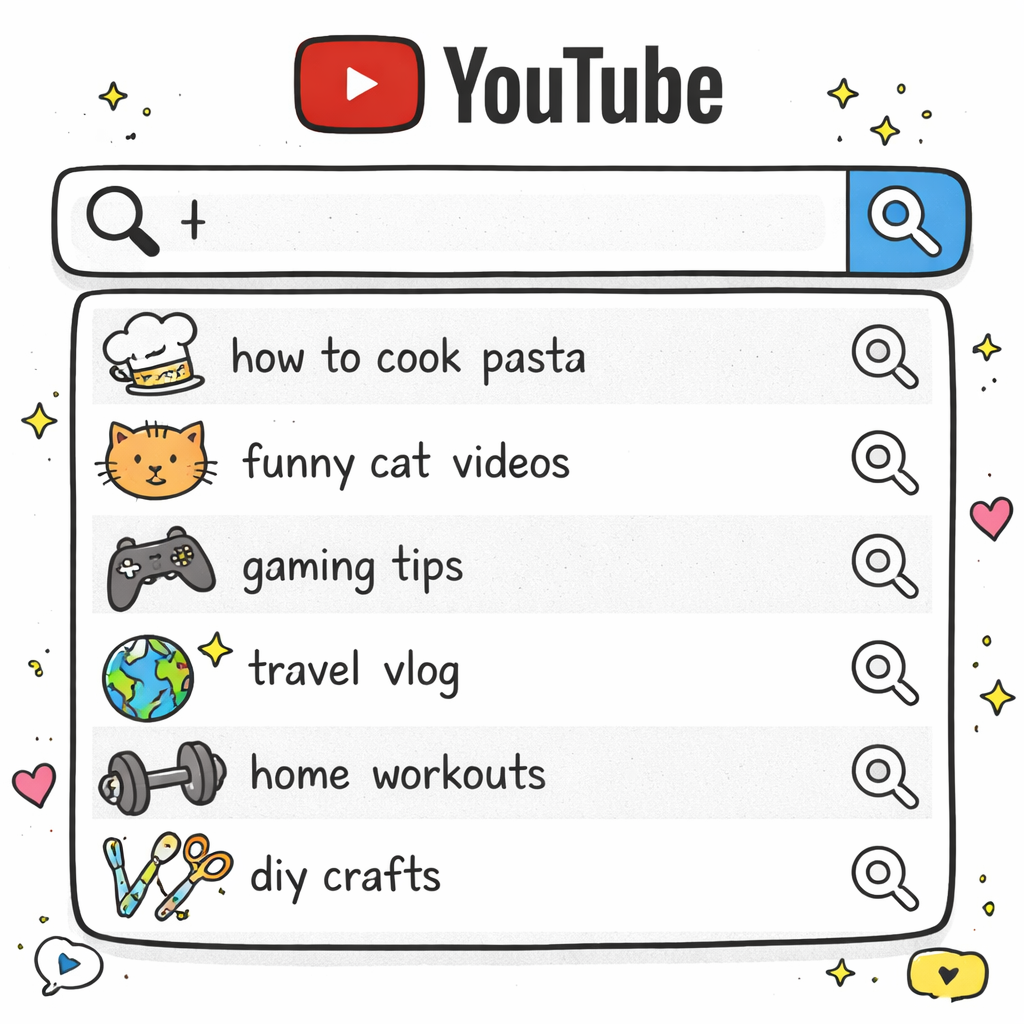
Running out of YouTube video ideas sucks. You’re sitting there, staring at your phone, trying to think of something that’ll actually get views. Here’s the thing: you don’t need to rely on random inspiration anymore. We examined five leading free tools for generating YouTube video ideas and discovered that only one (20%) actually offers unlimited usage, challenging the belief that most free tiers are heavily restricted. This guide shows you exactly how to use free YouTube video idea tools to generate content that actually gets views. We’ll walk through the step-by-step process for finding trending topics, analyzing what works, and turning data into viral video concepts. Our research shows that keyword-focused features are the core value of every free YouTube video ideas free tool, making SEO-driven research your secret weapon. Table of Contents Understanding Your Content Strategy Before Using Tools Step 1: Use YouTube’s Built-in Research Features Step 2: Use Google Tools for Video Idea Generation Step 3: Explore Social Media Platforms for Trending Ideas Free Third-Party Tools Comparison Step 4: Analyze Competitor Content for Inspiration FAQ Conclusion Understanding Your Content Strategy Before Using Tools Before you jump into any youtube video ideas free tool, you need to get clear on your content strategy. Think of it like building a house. You wouldn’t start hammering nails without a blueprint. Your content strategy is your blueprint. It tells you what topics fit your channel and which ones don’t. Without this foundation, even the best free tools will just give you random ideas that don’t connect with your audience. Here’s what you need to figure out first. What’s your niche? What problems do you solve? Who’s watching your videos? These aren’t fluffy questions. They’re the difference between content that flops and content that blows up. Google’s 2026 research shows that YouTube is not only the No. 1 streaming platform, it’s the No. 1 choice for entertainment and creator content. This means competition is fierce. You can’t afford to waste time on content that doesn’t serve your specific audience. Start by looking at your top 5 performing videos. What do they have in common? Similar topics? Same format? Specific emotional hook? These patterns show you what your audience actually wants to watch. Next, write down your core message in one sentence. Every youtube video ideas free tool suggestion should connect back to this message. If it doesn’t, skip it. Your viewers subscribe for a reason. Don’t confuse them with random content just because it’s trending. Define your content pillars too. Pick 3-5 main topics you’ll cover regularly. Maybe it’s tutorials, product reviews, and behind-the-scenes content. Or fitness tips, meal prep, and motivation. Whatever fits your brand. Why does this matter for using free tools? Because these tools generate hundreds of ideas. Without clear criteria, you’ll get overwhelmed and pick the wrong ones. Your strategy acts like a filter. It helps you spot winning ideas faster and ignore the noise. Also think about your content calendar. How often do you post? What days work best for your audience? Most youtube video ideas free tool suggestions work better when you can execute them quickly while they’re still trending. Finally, know your competition. Who else serves your audience? What gaps exist in their content? The best tools help you find these opportunities, but you need to know where to look first. Analytics tools can help you measure and compare social media performance against competitors to better understand your market position. Step 1: Use YouTube’s Built-in Research Features YouTube gives you everything you need to find winning video ideas. You just need to know where to look. The platform’s built-in features are probably the most underused youtube video ideas free tool available. Start with YouTube’s search bar. Type in your main keyword and watch the suggestions drop down. These aren’t random. They’re based on what real people are actually searching for right now. Let’s say you run a cooking channel. Type “easy dinner recipes” and you’ll see suggestions like “easy dinner recipes for family,” “easy dinner recipes chicken,” or “easy dinner recipes healthy.” Each suggestion is a potential video idea with built-in search demand. But here’s the trick most creators miss. Go deeper with the autocomplete. After you pick a suggestion, type it in and add more words. “Easy dinner recipes chicken” becomes “easy dinner recipes chicken breast,” “easy dinner recipes chicken thighs,” and so on. Each level gives you more specific, less competitive keywords. These longer phrases often convert better too because they match exactly what viewers want. Next, check out YouTube’s Trending page. Click “Trending” in the left sidebar. This shows you what’s getting views right now across all categories. Don’t just copy what you see. Look for patterns you can adapt to your niche. Maybe there’s a trending challenge in the gaming category. How could you adapt that format for your cooking channel? Or fitness channel? The format might work even if the topic doesn’t. The Comments section is pure gold for any youtube video ideas free tool strategy. Go to your recent videos and read every comment. People literally tell you what they want to see next. They ask questions. They request specific topics. They complain about things you didn’t cover. Screenshot these comments and turn them into a content list. “Can you do a video on X?” becomes your next upload. “You should have mentioned Y” becomes a follow-up video. “What about Z?” becomes a whole series. Don’t forget about YouTube Shorts. The Shorts feed shows you what short-form content is popping off. Most of these ideas can be expanded into long-form videos. A trending 60-second tip can become a 10-minute deep dive. Use YouTube Analytics if you’re already posting content. Go to the Research tab in YouTube Studio. This feature shows you what your audience is searching for and what topics have gaps. VidIQ’s research shows that successful creators use data-driven systems to deliver YouTube video ideas that match their unique style and audience. Look for the “Content gaps” section.