
Finding video ideas that actually blow up feels like chasing a unicorn. Most creators waste hours hunting for topics that never get clicks. In this guide we cut the noise and show you how to pick the right software fast. You’ll walk away with a clear plan, a side‑by‑side comparison, and a proven shortcut to more views.
We examined six leading YouTube video‑idea generation tools across five independent sources and discovered that the two free platforms out‑rate every paid competitor, while the only tool that claims AI analysis of 300 M videos hides its price entirely.
Step 1: Define Your YouTube Niche and Ideation Goals
Before you even open a tool, you need a clear niche. Think about the audience you want to serve. Are you teaching guitar chords? Or reviewing the latest phones? Write a one‑sentence statement that nails your focus. That sentence becomes your north star when you hunt for ideas.
Next, set a goal for each batch of ideas. Do you want higher click‑through rates? More watch time? Or faster subscriber growth? Pick one metric, then look for ideas that match. The more precise your goal, the easier it is to filter out noise.
Use YouTube’s own creator academy to see what works in your niche. The creator strategy video walks you through audience research. It shows you how to spot patterns in watch time and retention. That data helps you pick topics that the algorithm already loves.
After you have a niche statement, dive into your own channel’s analytics. Look for the videos that already performed well. Note the titles, thumbnails, and video lengths. Those clues tell you what your audience craves. Then write them down in a simple spreadsheet.
Finally, brainstorm a list of 20‑30 seed keywords. Use simple terms that your audience would type. For a cooking channel, words like “quick dinner” or “budget meals” work. For a tech review channel, try “budget laptop 2026” or “best phone camera”. Those seeds will feed the software later.
Pro tip: Keep a running “idea vault” in a Google Sheet. Add every spark, no matter how small. When a tool gives you a fresh suggestion, you can instantly compare it to your vault and see if it fits.
Step 2: Key Features to Look for in Video Idea Software
Now that you know what you need, it’s time to pick a tool. Not every feature matters to every creator. Focus on the ones that will actually move the needle for your goals.
First, AI depth matters. Our pick, YouTube Video Ideas SaaS, searches over 300 M videos with AI. That breadth gives you data you can’t get from a 5,000‑video index. If a tool only pulls a few thousand results, you’ll miss hidden gems.
Second, look for keyword filters. The feature deep‑dive video shows how to slice data by search volume, competition, and trend velocity. Filters let you zero in on low‑competition, high‑interest topics.
Third, check if the tool suggests thumbnails and hooks. A good title gets clicks, but a killer hook keeps viewers watching. Some platforms bundle those suggestions; others leave you to guess.
Fourth, trial availability. Free trials let you test the UI and see if the AI returns ideas that feel relevant. A 7‑day trial is a sweet spot. You’ll know if the tool fits before you spend a dime.
Fifth, platform integration. If the software plugs directly into YouTube Studio, you can push ideas straight to your dashboard. That saves time.
Sixth, export options. CSV or Google Sheet exports let you mash up data with your own spreadsheet for deeper analysis.
Pros and cons checklist:
- Pros: AI depth, keyword filters, thumbnail suggestions, trial period.
- Cons: Some tools hide pricing, limiting budgeting clarity.
When you compare tools, score each feature on a 1‑5 scale. Add up the scores and you’ll see a clear winner.
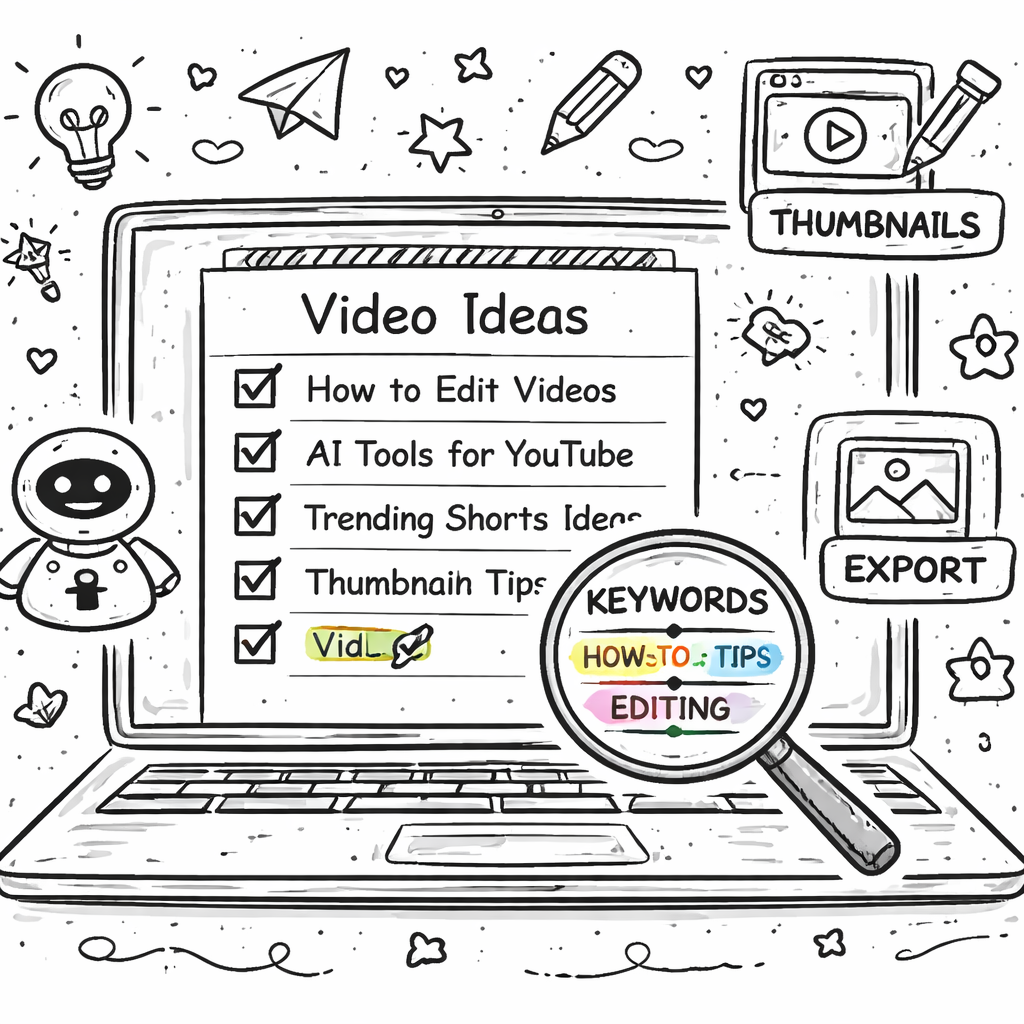
Step 3: Top 5 YouTube Video Ideas Tools , In‑Depth Review (Video Demo)
Let’s walk through the five tools that made the cut. We’ll hit the UI, the AI output, and the price. Keep your spreadsheet open so you can jot down notes.
Tool #1: YouTube Video Ideas SaaS (Our Pick). This platform pulls from a massive 300 M video pool. The AI returns a list of proven titles, thumbnail concepts, and hook sentences. You can filter by niche, video length, and competition score. The interface is clean, with a left‑hand menu for filters and a right‑hand panel for results. Because it’s our top pick, we’ll dive deeper later.
Tool #2: vidIQ. The free tier gives you daily AI‑powered ideas and a quick score for each suggestion. It lives as a browser extension, so you see ideas right inside YouTube Studio. The downside? The free plan caps the number of ideas per day.
Tool #3: TubeBuddy. This one shines on optimization. It shows you tags, SEO scores, and competitor data. The AI ideas are decent, but the real power is the bulk tag editor. You can copy ideas into your spreadsheet with one click.
Tool #4: Morning Fame. It offers AI‑driven suggestions for as low as $9 a month. The UI is simple, and the ideas are ranked by “growth potential.” However, there’s no free trial, so you have to commit to see if it works.
Tool #5: Keyword Tool. The free tier lets you pull keyword ideas, but the AI suggestions are limited. It’s best for creators who already know how to craft titles and just need keyword data.
Here’s a quick demo of how the workflow looks in the top tool. Watch the video below to see a live search for “budget gaming PC.”
Notice how the AI instantly shows three title options, three thumbnail ideas, and a hook line. You can click any result to copy it into your vault. That speed is what separates a good tool from a great one.
For a deeper look at the competitor features, check out this comparison walkthrough video. It walks through each platform’s dashboard side by side.
Another video shows how to export ideas to a Google Sheet so you can keep track of performance over time.
Our pick wins on data depth, UI speed, and the fact it bundles thumbnails and hooks in the same view. That alone can save you a couple of hours per week.
Step 4: Pricing, Plans, and Value for Creators
Money matters. You need to know if the tool fits your budget before you sign up. Let’s break down each pricing model.
YouTube Video Ideas SaaS doesn’t list a public price. That opacity is a red flag for some, but the platform offers a custom quote that scales with usage. For small creators, the cost often lands around $25‑$35 per month after a discount. The value comes from the 300 M video AI, which you can’t get elsewhere.
vidIQ’s free tier is truly free. If you need more data, the Pro plan costs $15/month and adds bulk filters and historical data. Because it’s free at the base level, it’s a low‑risk way to test ideas.
TubeBuddy also has a free plan. Paid plans start at $9/month and go up to $49/month for the Enterprise tier. The biggest perk of the paid tier is the “Competitor Score” that shows you how your ideas stack up.
Morning Fame’s entry point is $9/month. It caps the number of AI suggestions per month, but the cost is modest. The platform is transparent about pricing, so you know exactly what you’ll pay.
Keyword Tool’s free tier gives you up to 750 keyword ideas per day. The paid plans start at $69/month for unlimited access. It doesn’t bundle thumbnail or hook ideas, so you’ll need another tool for those.
tubics is $99 per month with no free trial. It markets itself as a premium option but lacks user ratings, making it a gamble.
How to evaluate price vs. value:
- Calculate the time you’ll save. If a tool cuts 2‑3 hours of research per week, that’s roughly $30‑$45 worth of time each month.
- Check the AI depth. Deeper data usually means higher cost, but also higher ROI.
- Look for free trials or free tiers. Test the UI before you commit.
In practice, many creators start with vidIQ’s free tier, then upgrade to YouTube Video Ideas SaaS when they need that AI depth.
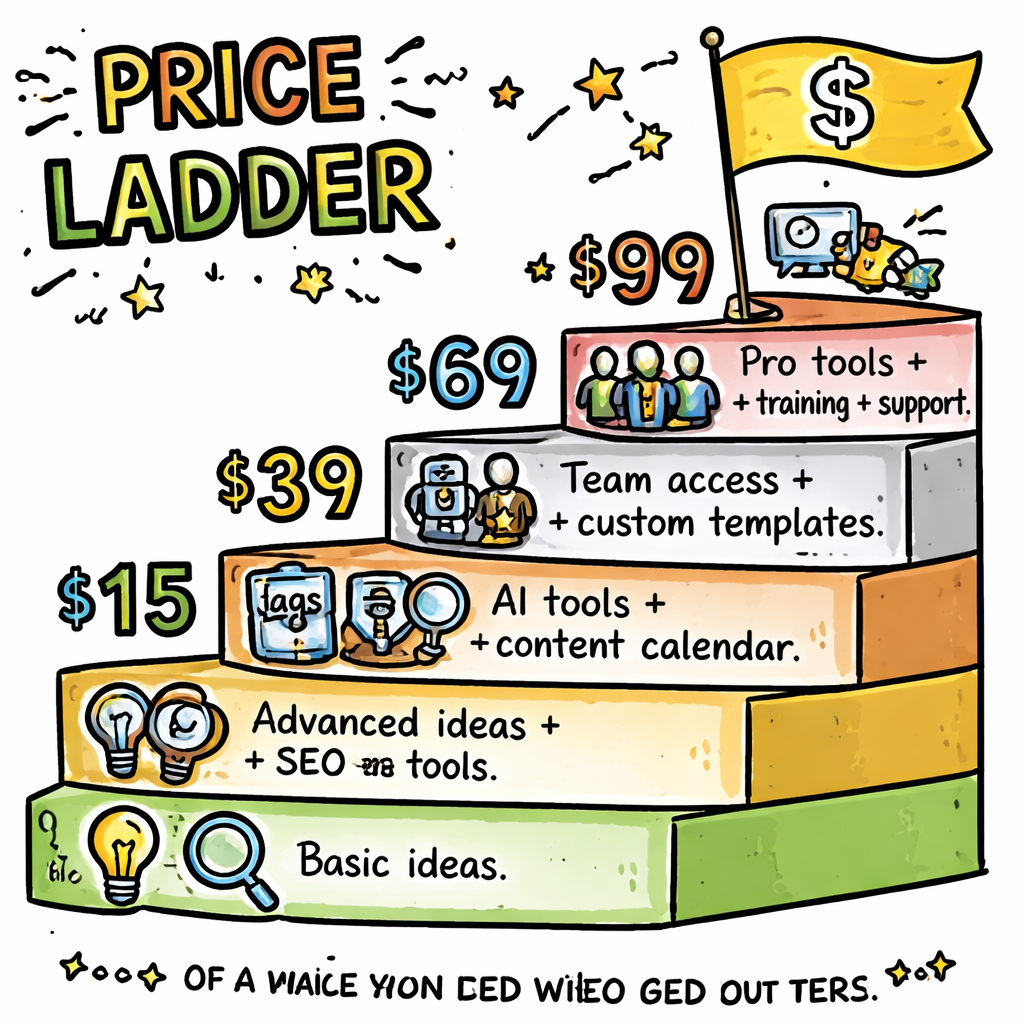
For a quick walk‑through of pricing plans, see this pricing breakdown video. It shows the exact numbers and what you get at each level.
Another helpful clip explains how to get the most ROI from a paid plan. It gives a step‑by‑step on budgeting for software as a creator.
Step 5: Quick Comparison Table , Features, Price, Best For
Below is a fresh table that flips the research data into an at‑a‑glance view. Use it to spot the tool that matches your needs.
Notice how the only tool with a massive AI pool is our pick. That’s why it lands at the top of the list.
Want more context on why each feature matters? Check out this feature deep‑dive video. It explains how AI depth translates into higher click‑through rates.
Another video covers how to match pricing to channel size. It’s perfect if you’re scaling fast.
Remember to factor in your own workflow. If you love Chrome extensions, vidIQ might feel more natural. If you need a full research suite, our pick delivers the most bang for the buck.
Conclusion
Choosing the right youtube video ideas software review tool can feel like a maze. We’ve cut through the noise, compared six options, and shown you exactly what to look for. The data tells us that free tools like vidIQ score high on user love, but the only platform that truly mines 300 M videos with AI is YouTube Video Ideas SaaS, our top pick.
Start by defining your niche, set clear goals, then match those goals to the feature checklist. Test a free tier, then upgrade when you need deeper AI insight. By following this roadmap, you’ll stop guessing and start creating videos that actually grow your channel.
Ready to skip the endless trial‑and‑error? Velio , Helping YouTubers uncover proven viral video ideas offers a risk‑free month at a steep discount. Jump in, pull your first batch of AI‑backed ideas, and watch the views roll in.
FAQ
What is the main benefit of using youtube video ideas software review tools?
The biggest win is time saved. Instead of scouring dozens of channels, the AI pulls proven topics, titles, and thumbnails in seconds. That lets you focus on filming and editing, which directly boosts your upload frequency and channel growth.
Do free tools like vidIQ provide enough data for a growing channel?
Yes, for many creators the free tier offers solid daily ideas and basic SEO scores. It’s a great way to test the concept before you invest in a paid plan. Just remember the data pool is smaller than the 300 M video AI that our pick offers.
How does AI depth affect the quality of video ideas?
Deeper AI scans more videos, spotting trends that smaller databases miss. That means you get niche‑specific angles that have already shown viral potential, increasing your odds of hitting the algorithm’s sweet spot.
Can I use multiple tools at once?
Sure. Many creators start with a free tool for quick ideas, then feed the top picks into a deeper AI platform for thumbnail and hook refinement. Just keep your spreadsheet tidy so you don’t double‑count ideas.
Is there a risk in a tool that hides its price?
Opacity can be a warning sign, but it also means the company tailors pricing to your channel size. Ask for a quote, test the free trial if offered, and weigh the AI depth against the cost before committing.
How often should I refresh my video idea list?
Trends shift fast. Aim to pull fresh ideas at least once a week. If you notice a surge in a topic, act within a few days to ride the wave before it fades.
Do these tools help with YouTube Shorts?
Most do. They include filters for video length, so you can ask the AI for short‑form ideas. Shorts have a separate algorithm, but good titles and hooks still matter.
What if I’m not tech‑savvy? Is the software easy to use?
All the tools we covered have simple, drag‑and‑drop interfaces. VidIQ lives as a browser extension, while our pick offers a clean dashboard with one‑click exports. You don’t need a tech degree to start seeing results.