
Your title can make or break a video. One line decides if a viewer clicks or scrolls past. That’s why you need a formula that forces eyes to stop.
Click‑through rate is the lifeblood of any YouTube channel. High CTR tells the algorithm you’ve got something worth showing, so it pushes you higher. Low CTR? It drags you down fast.
The trick is to blend three parts: a hook, a promise, and a trigger word. Hook grabs attention, promise tells what they’ll learn, trigger word sparks curiosity or urgency.
Try this: “How to Rank a Video in 24 Hours, No Fancy Tools”. Hook = “How to Rank”, promise = “in 24 Hours”, trigger = “No Fancy Tools”. It’s short, bold, and tells a clear result.
Another win: “Why Your Thumbnails Suck, 5 Fixes You Can Add Today”. Hook = “Why Your Thumbnails Suck”, promise = “5 Fixes”, trigger = “Today”. The word “Today” adds urgency, and the negative hook makes viewers want a fix.
Action steps: 1️⃣ Pull top‑ranked videos in your niche. 2️⃣ Spot the title pattern they all share. 3️⃣ Swap in your own keyword and a power word. 4️⃣ Test for a week and watch CTR climb.
If you want a shortcut that does the heavy lifting, check out The fastest way to unf*ck your YouTube Channel. It pulls data from millions of videos so you can copy proven formulas in seconds.
Even if you’re making a wedding recap video, the same rule applies. For extra tips on event‑style content, see How to Choose the Perfect Wedding Photo Booth Rental: A Step‑by‑Step Guide.
Step 1: Understand the Psychology Behind Click‑Through Rates
Your title is the first thing a viewer sees, and that split‑second impression decides if they click or scroll past.
Click‑through rate, or CTR, measures how many of those impressions turn into clicks. It’s simply clicks divided by impressions, times 100.
Most creators see a CTR between 2% and 10%, with 5%‑6% being a solid baseline for many niches typical YouTube CTR range.
Why does that matter? YouTube’s algorithm treats a high CTR as a sign that your video is worth recommending, which can push it higher in search and suggested feeds.
Two psychological levers drive clicks: curiosity and urgency. A hook that asks a question or promises a quick win spikes curiosity; a trigger word like “today” or “now” adds urgency.
Pull the “CTR” metric from YouTube Analytics for each video. Compare the average over the past 28 days; spikes usually line up with a title change. This gives you a clear cause‑and‑effect trail you can act on.
Actionable steps: 1️⃣ Keep your title between 40‑60 characters so the key words stay visible on mobile optimal YouTube title length. 2️⃣ Front‑load the primary keyword within the first 40 characters. 3️⃣ Add one emotional trigger or number to create a clear benefit.
If you don’t want to hunt through thousands of videos manually, a platform like Velio can surface high‑performing title formulas in seconds, letting you skip the guesswork and focus on creation.
Now test what works. Change one element at a time, swap “today” for “now” or trim five words from the start. Watch the CTR in Analytics for a week; if it climbs, you’ve hit a sweet spot.
Remember to keep everything else constant, thumbnail, description, upload time, so the title is the only variable. After a week, note the CTR lift; if it’s under 1% you may need a stronger hook or a clearer benefit.
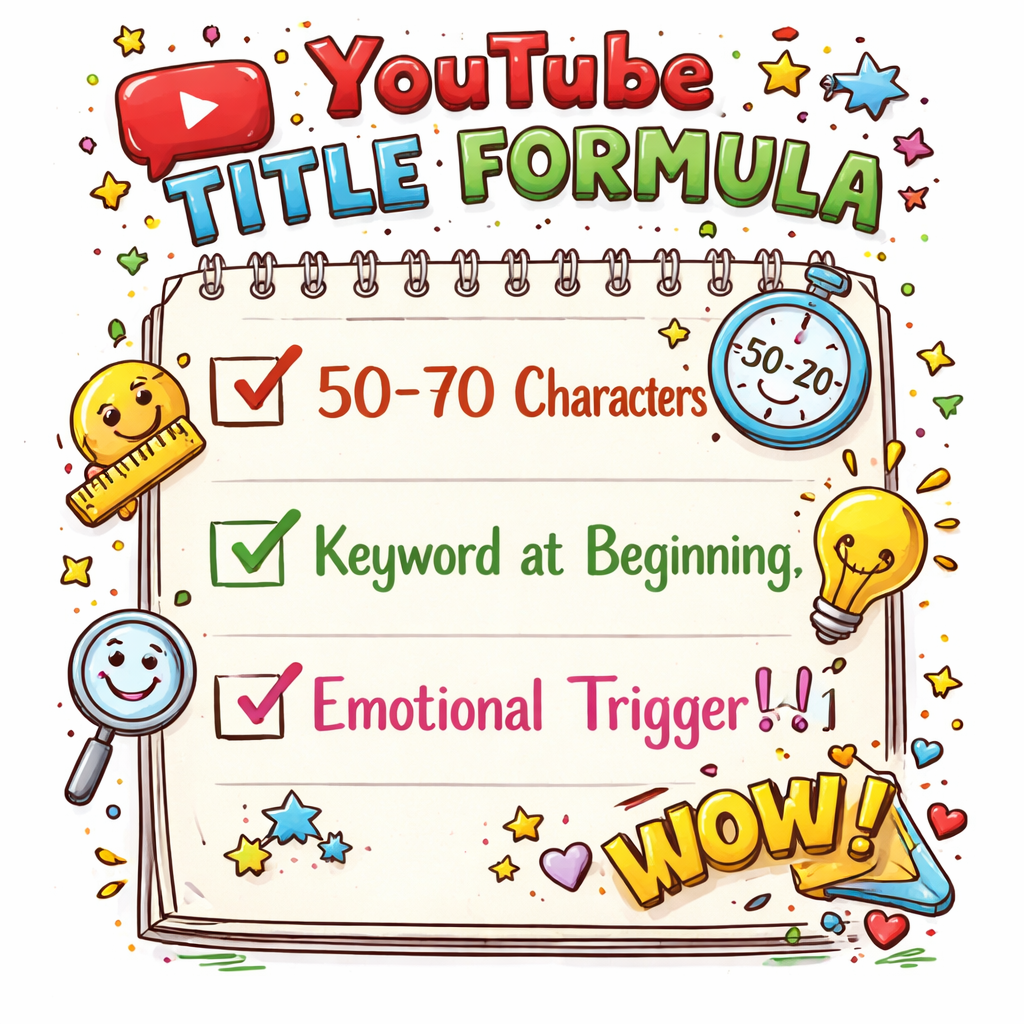
Keep a simple spreadsheet of title length, keyword placement, and CTR. Spot patterns, double‑down on formulas that hit the 40‑50 character sweet spot, and watch your views climb.
Step 2: Master Core Formula Structures
Now that you know why CTR matters, it’s time to lock down the actual formulas that make people click.
Most high‑performing titles follow a three‑part pattern: Hook + Promise + Trigger. The hook pulls the eye, the promise tells what you’ll get, and the trigger adds urgency or curiosity.
Pick a proven skeleton
Here are three go‑to skeletons you can remix:
- “How to [Result] in [Time] (No [Pain Point])”
- “[Number] [Keyword] That [Benefit]“
- “Why [Common Mistake] Is Killing Your [Metric]“
Each one gives you a clear slot for your keyword, a specific number, or a strong emotion.
Step‑by‑step build
1️⃣ Write a raw version of your title. 2️⃣ Trim every word that isn’t needed. 3️⃣ Move the primary keyword to the first 40 characters. 4️⃣ Slip in one power word like “secret” or “proven”. 5️⃣ End with a trigger – a number, “today”, or a bracketed format.
For example, a video about thumbnail hacks could start as “Thumbnail Hacks: 5 Quick Fixes (2026 Update)”. After trimming, it becomes “5 Thumbnail Hacks You Need Today” – keyword front‑loaded, number added, and urgency at the end.
Test one change at a time. Swap the trigger word, watch the CTR for a full 48‑hour window, then decide if it’s worth keeping.
Need a cheat sheet of all the skeletons we use? Check out our Resource Vault – Velio for a printable checklist.
Data from Humble&Brag’s title study shows that titles using a number and a bracketed note lift CTR by about 1‑2 % on average. That small bump can mean hundreds of extra views on a video with 10 K impressions.
So grab a video, apply one of the skeletons, and let the numbers speak for themselves.
Step 3: Compare Formula Types with Real‑World Data
Now it’s time to see which formula actually moves the needle. You’ve built a few titles, but which pattern grabs the most clicks?
Pull the data, then pick the winner
Open your YouTube Analytics. Filter by traffic source – search, browse, suggested. Note the CTR for each video that uses a different skeleton.
Humble&Brag’s recent benchmark report shows search CTR usually lands between 8 % and 15 % for well‑optimized titles, while browse CTR hovers around 3 %‑7 % (see the study). If a formula lifts you into the upper half of those ranges, it’s a solid bet.
Quick comparison table
| Formula | Typical CTR lift | Best for |
|---|---|---|
| How to [Result] in [Time] (No [Pain]) | +1.5 % on search | How‑to videos, tutorials |
| [Number] [Keyword] That [Benefit] | +2 % on browse | Lists, quick tips |
| Why [Mistake] Is Killing Your [Metric] | +1 % across all sources | Problem‑solving, niche advice |
Look at the rows. If your search CTR spikes when you use the “How to … (No …)” skeleton, keep it for tutorial‑heavy topics. If browse CTR climbs with the numbered‑keyword combo, that’s your go‑to for thumbnail‑driven feeds.
Don’t guess. Run a 48‑hour A/B test. Swap just the skeleton, keep the keyword and thumbnail the same. Record the new CTR, then compare to the baseline you logged earlier.
What if the numbers barely move? That means the hook isn’t resonating. Try a different power word or add a stronger urgency cue. The data will tell you fast.
Bottom line: let real‑world CTR decide which formula you stick with. One solid test beats endless tweaking.
Step 4: Test, Refine, and Scale Your Titles
Stop guessing and let the numbers talk. A solid test tells you if your new formula actually moves the needle.
1️⃣ Capture your baseline
Pull the current CTR for the video you’re tweaking. Write it down in a simple sheet – you’ll need a reference point to spot any lift.
2️⃣ Build two or three title variants
Keep the keyword and thumbnail the same. Change only the hook part: try a number, swap a power word, or flip the urgency cue. If you’re not sure which angle works, write a quick “what if” version and label it “Variant A”.
3️⃣ Run an A/B test
Use YouTube’s Test & Compare feature or a third party A/B tool to show each version to a random slice of your audience for at least 48 hours. The podcastvideos guide explains how to set this up step-by-step.
4️⃣ Read the data
When the test ends, compare the CTR lift for each variant. A lift of 0.5 % may look small, but on a video with 10 K impressions that’s an extra 50 clicks – enough to push the video higher in search.
If no version beats the baseline, go back and swap a single word. Maybe “today” works better than “now”, or “secret” beats “easy”. Keep the changes tiny so you know what moved the needle.
5️⃣ Scale the winner
Take the winning formula and apply it to the next batch of videos. Log the pattern in your spreadsheet so you can see which skeletons work best for search vs. browse, just like the table in step 3.
Pro tip: many creators find that testing titles alongside thumbnails yields the biggest jump. Run a second round where you keep the winning title but try two thumbnail styles. The data will tell you the combo that drives the highest watch time.
Remember, testing isn’t a one off. Treat it like a habit, and you’ll keep your CTR climbing year after year. The average YouTube CTR sits around 4‑5 % according to recent industry data.
Conclusion & Next Steps
You’ve built a handful of YouTube title formulas that actually move the needle. The data shows a small CTR lift can mean dozens of extra clicks, and those clicks snowball into more views.
Next up, lock in a routine: pull baseline CTR, craft 2‑3 variants, run a 48‑hour A/B test, record the lift, then copy the winner to your next batch. Keep the hook tight, the promise clear, and the trigger word urgent. Repeat this cycle every month.
Need a quick cheat sheet? Check out Velio features for a list of AI‑driven insights that keep your titles fresh without guesswork. Right away.
For a broader take on how small tweaks boost engagement, you can explore Mirror Photo Booth Rental: 7 Must‑Know Tips for an Unforgettable Event. The ideas translate well to video titles and keep testing.
Stick to this loop and watch your CTR climb.

FAQ
What makes a hook work in a YouTube title formula?
A good hook grabs attention in under three seconds. Use a clear benefit or a pain point that your viewer recognizes. Keep it short, use strong verbs, and avoid vague fluff. For example, swap “Improve” for “Boost” or “Fix” for “Stop”. Test the hook alone by changing only that part and watching the CTR shift. The right hook tells the viewer why they should click now.
How long should a YouTube title be to keep the click‑through rate high?
Aim for 40‑60 characters total, with the primary keyword in the first 40. This keeps the title readable on mobile and ensures the important words aren’t cut off. Count characters, not words, because a short word can still take up space. If you’re over the limit, trim filler words or replace a long phrase with a single strong term.
How often should I run A/B tests on my title formulas?
Run a test for at least 48 hours and repeat the cycle each month for new videos. Fresh content gives fresh data, so treat testing like a habit. Record the baseline CTR, then compare each variant. If a title lifts the CTR by half a percent or more, roll it into the next batch. Consistent testing prevents stagnation.
Can I mix numbers and brackets in a title without hurting performance?
Yes. Numbers draw the eye, and brackets add context without lengthening the core phrase. A format like “5 Tips (2026 Update)” keeps the promise clear and the urgency high. Just keep the bracketed part under ten characters so it stays visible on smaller screens. Watch the CTR after you add brackets; most creators see a small lift.
Why do trigger words like “today” or “now” boost clicks?
Trigger words create urgency. They tell the viewer that the info is fresh or that they’ll miss out if they wait. This taps into the fear‑of‑missing‑out instinct, nudging the brain to act fast. Use one trigger word per title, place it at the end, and avoid overusing it, or it can lose impact.
Do AI tools like Velio really help me find winning YouTube title formulas?
Platforms that scan millions of videos can surface patterns you’d miss manually. Velio pulls data from over 300 M videos, shows you which hooks, numbers, and trigger words are driving the best CTR in your niche. It saves you the time of digging through endless spreadsheets, so you can focus on creating content and testing the top‑performing formulas.