
Stop scrolling and face the truth: most thumbnails look like boring posters and get ignored.
That’s why you need YouTube thumbnail ideas that get clicks. A killer thumbnail can shave minutes off your bounce rate and boost your view count like a shot of adrenaline.
First, think like a human brain on fast‑forward. Bold colors, clear faces, and a single hook word work better than cluttered chaos. For example, a bright red background with a shocked expression and the word “FAIL” tells the viewer exactly what they’ll see.
Second, borrow a trick from gamers: use a “before‑and‑after” split. One side shows the problem, the other side the payoff. A creator who makes boat reviews could split the frame: a dull, old boat vs. a sleek pontoon gliding on water. Speaking of boats, if you ever need to buy a pontoon, this guide Buying a Pontoon Boat OK walks you through the basics.
Third, add a tiny text overlay that reads like a promise. Keep it under three words – “Watch Fast,” “Earn Money,” “Live Free.” The smaller the text, the louder the click.
Want a shortcut that does the heavy lifting? The fastest way to unf*ck your YouTube Channel lets you spy on top‑performing thumbnails, pull out the exact layout, and remix it for your niche.
Now grab a screenshot, test three variations, and watch the click‑through rate climb. That’s the simple, no‑BS path to more eyeballs.
Try this quick three‑step drill: pick a bright hue, drop a clear face front‑and‑center, then slap a bold one‑word hook. Swap them in YouTube’s preview and note which pulls the highest CTR.
Step 1: Master the Basics of Thumbnail Psychology
When a viewer scrolls, their brain snaps a decision in milliseconds. It reads pictures 60,000 times faster than text according to research. That means your thumbnail has one tiny blink to win.
First, hit an emotion. Surprise, joy, fear, any feeling pulls the eye. A bright red scream or a shocked face tells the brain “pay attention”.
Second, put a close‑up face that looks right at the camera. Studies show people stare at faces, especially when the eyes meet yours Praper Media explains. Make the expression big, shock, laugh, gasp.
Third, choose colors that match the vibe. Red fuels urgency, blue feels calm, yellow screams “look here”. Use a high‑contrast combo so the thumbnail pops on any screen.
Fourth, leave a curiosity gap. Show a mystery object or a half‑revealed result. The viewer’s brain wants to fill the blank, so it clicks.
Sixth, create a clear hierarchy. Put the face biggest, the hook text second, the background color last. The eye follows that order, so the most important part hits first. Add a tiny badge that says “NEW” or “5‑min” to spark FOMO and push the click.
If you want a shortcut, use a tool that pulls top‑performing thumbnails from creators in your niche. Scan the colors, faces and text they use, then remix the winning formula for your own video. It saves hours and gives you a data‑backed starting point.
Put these five moves together and you’ve built a thumbnail that talks straight to the viewer’s brain. It’s not magic, it’s science, and you can run it on every video.
Remember to preview the thumbnail on a phone. If the text is unreadable at a tiny size, ditch it. Keep the focal point big and the wording under three words.

Step 2: Use Design Elements That Drive Clicks
Design is the secret sauce that turns a bland thumbnail into a click magnet.
First, pick a background that screams the video’s vibe. A solid color or simple scene works best because it doesn’t fight the face or text. Red, yellow or teal grab eyes fast.
Second, slap a close‑up face that looks straight at the camera. People can’t resist eye contact. Make sure the expression matches the emotion you want – shock, joy or curiosity.
Third, add text that’s big, bold and easy to read on a phone. Use a single word or two that promise a payoff, like “WIN” or “FAST”. Choose a contrasting color so the letters pop.
Fourth, toss in a tiny badge or icon that adds urgency – “NEW”, “5‑min” or a clock. That little element fires the FOMO reflex.
Fifth, leave a mystery gap. Show just enough of the subject to make viewers wonder what happens next. A half‑covered product or a blurred scene works like a hook.
All five pieces line up in a clear hierarchy: face biggest, text second, background last. The eye follows that order, so the most important part hits first.
Want proof that these pieces matter? Thumbnail Test breaks down the six must‑have elements and even lets you A/B test variations to see which combo wins the most clicks six key thumbnail elements.
If you’re short on time, a platform like Velio can pull top‑performing thumbnail layouts from your niche, so you can copy the winning recipe in minutes.
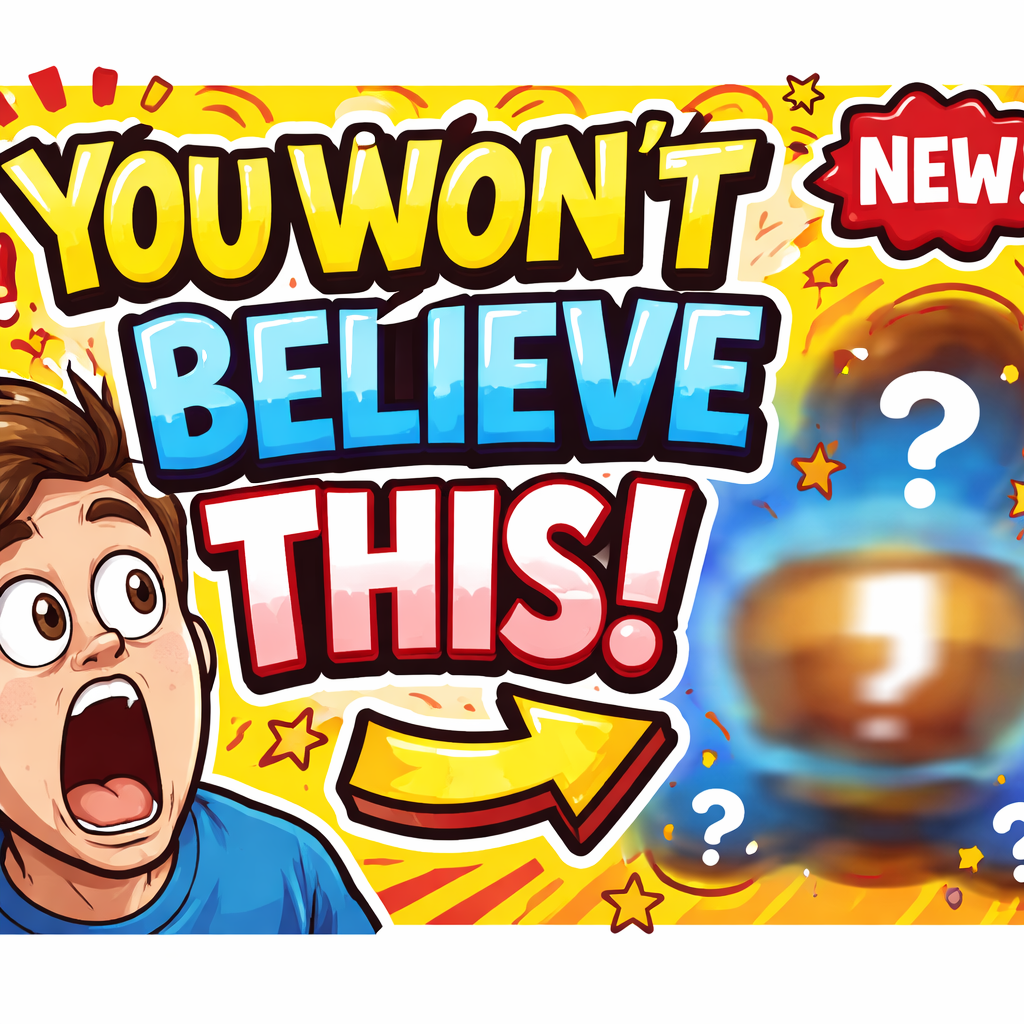
Now take a screenshot of your current thumbnail, swap one element at a time, and watch the click‑through rate climb. That’s the fast, no‑BS way to boost every video.
Step 3: Proven Thumbnail Formulas (with Comparison Table)
Now that you know the five building blocks, let’s mix them into proven formulas you can copy fast.
Formula 1: “Shock Face + One‑Word Hook.” Put a close‑up reaction in the center, splash a bright color behind it, and add a single word like “WIN” or “FAIL” in a bold font. The eye lands on the face, then the word tells the viewer what the video promises.
Formula 2: “Mystery Gap + Urgency Badge.” Hide part of the subject behind a blur or a mask, then slap a tiny “NEW” or “5‑min” badge in a corner. The hidden part fuels curiosity while the badge pushes a quick click.
Formula 3: “Numbered List + High‑Contrast Text.” Show a list number (e.g., “3 Tips”) in a bright box, and use a contrasting color for the text. Numbers promise a quick payoff and the contrast makes it readable on mobile.
Which one works best for you? Test each version against the same video and let the data decide. The same guide from Thumbnail Test shows that creators who stick to one clear formula see a 12‑15 % lift in click‑through rates.
Below is a quick cheat‑sheet to help you pick the right mix for any niche.
| Formula | Key Elements | Best For |
|---|---|---|
| Shock Face + One‑Word Hook | Close‑up face, bold single word, bright background | High‑energy videos, challenges, reactions |
| Mystery Gap + Urgency Badge | Partial reveal, “NEW” or “5‑min” badge, subtle contrast | Tutorials, product reveals, time‑sensitive offers |
| Numbered List + High‑Contrast Text | Big number, contrasting colors, short promise | Lists, how‑to, quick tips |
Pick a formula, swap one element at a time, and watch the numbers move. That’s the fastest way to turn a bland thumbnail into a click magnet.
Step 4: Tools, Testing, and Optimization (Video Walkthrough)
Now that you’ve got a formula, you need a fast way to test it. The goal? Find the thumbnail that pulls the most clicks with the least hassle.
Pick a testing tool
There are a lot of AI thumbnail generators out there. One that actually lets you tweak prompts, save templates, and export multiple versions is Juma’s AI YouTube thumbnail guide. It gives you control over faces, colors, and text without locking you into a single layout.
Pick a tool that lets you change one element at a time – like swapping the background color or moving the text box. That way you can see what moves the needle.
Run A/B tests
Upload two versions to YouTube’s thumbnail preview. Keep everything else the same: video title, description, tags. Watch the click‑through rate (CTR) for at least 48 hours.
If one version beats the other by more than a few percent, that’s your winner. If the gap is tiny, switch another element and test again.
Tip: label each test in a spreadsheet. Note the formula you used, the change you made, and the CTR result. Over time you’ll see patterns – maybe red backgrounds always win for reaction videos, or a “NEW” badge works best for tutorials.
Optimize with data
When you have a handful of winning thumbnails, look for common threads. Those are the cues you can reuse across future videos.
Don’t stop at the first win. Run a quick “micro‑test” on mobile vs. desktop previews. Small tweaks like a bolder font can add extra clicks.
Remember, the whole point is to keep the loop tight. Grab a new prompt, generate a fresh batch, test, and repeat. The faster you cycle, the quicker you’ll stack up views.
That’s how you turn a good idea into a click‑magnet that actually works for your channel.
Conclusion
You’ve seen how a bold color, a clear face, and a tiny hook can turn a bland thumbnail into a click magnet. Those moves aren’t magic; they’re simple tricks that any creator can pull off.
Next step? Grab the formula that works best for your niche, swap one element, and run a quick A/B test. Keep the spreadsheet tidy – note the change and the CTR. When a version wins, roll it out to the next video.
If you want a shortcut, check out our Resource Vault – Velio. It packs proven strategies and templates so you can skip the guesswork.
Still not sure which badge or text will click? Imagine a creator testing a “NEW” badge versus no badge for a tutorial. The badge pulls a few extra clicks on mobile – a tiny win that adds up.
Ready to level up? Dive into your own thumbnail lab, tweak fast, and watch the numbers climb. And if you need extra inspiration, this photo booth rental guide shows how a clear visual hook can boost any event video.
FAQ
What are the best YouTube thumbnail ideas that get clicks?
The top ideas focus on bold colour, clear face, tiny hook word. Pick a bright hue that stands out on a phone screen. Add a close‑up expression that matches the mood – shock, joy, or surprise. Slip in one‑to‑two word text that promises a payoff, like “WIN” or “FAST”. Keep the layout simple so the eye lands on the face first.
How many colors should I use in a thumbnail?
A thumbnail works best with two or three colours that clash enough to grab attention. Use one strong colour for the background and a second, lighter shade for text or a badge. Adding a third accent can help highlight the hook, but don’t go past three or the image looks busy. Test a few combos and pick the one that pops on both desktop and mobile.
Should I include text on my thumbnail and how many words?
Yes, add text, but keep it short. Aim for one to three words that tell the viewer what they’ll get, like “Earn Fast” or “Top Tips”. Use a bold font that stays readable when the thumbnail shrinks. Place the text opposite the face so the eye moves naturally across the image. Too much text kills the click rate.
Does a face in the thumbnail really help clicks?
A face draws the eye faster than any other element. People instinctively look at eyes, so a close‑up that meets the camera boosts curiosity. Even a simple smile can lift clicks, while a shocked expression works for high‑energy topics. If you’re a brand, use a genuine expression that matches the video’s tone for the best effect.
How can I test thumbnail ideas quickly?
Start with a base thumbnail, then change one element at a time – colour, face, text, or badge. Upload both versions to YouTube’s thumbnail preview and let the video run for at least 48 hours. Compare the click‑through rates in your analytics and keep the winner. A quick spreadsheet can help you track each test.
Are there any thumbnail mistakes I should avoid?
Avoid clutter, tiny fonts, and unrelated images. Don’t pack more than one hook word – the viewer can’t read a paragraph in a split second. Skip generic stock photos that don’t match your brand. Also, stay away from bright neon colours that bleed on mobile screens; they often look washed out.